MYEARTH / PLAYER GUIDE
Player Guide
A little help for your next adventure.
Bookings & orders
Do I need to pay to play?
Games may be free, free for a limited time, paid, or available through an event redemption. Check the specific game page for its price, included benefits, and purchase terms.
Can I get a refund after purchasing?
Refund rules vary depending on the game type, event rules, whether the game has been used, and the payment channel. Generally, you can request a refund yourself from the order details before you formally enter the game. Special orders, such as claimed offers, limited-time free offers, and event redemptions, are not refundable. Competition games are generally non-refundable because of preparation, materials, and other costs. Check the game details or contact customer support for the rules that apply to your game.

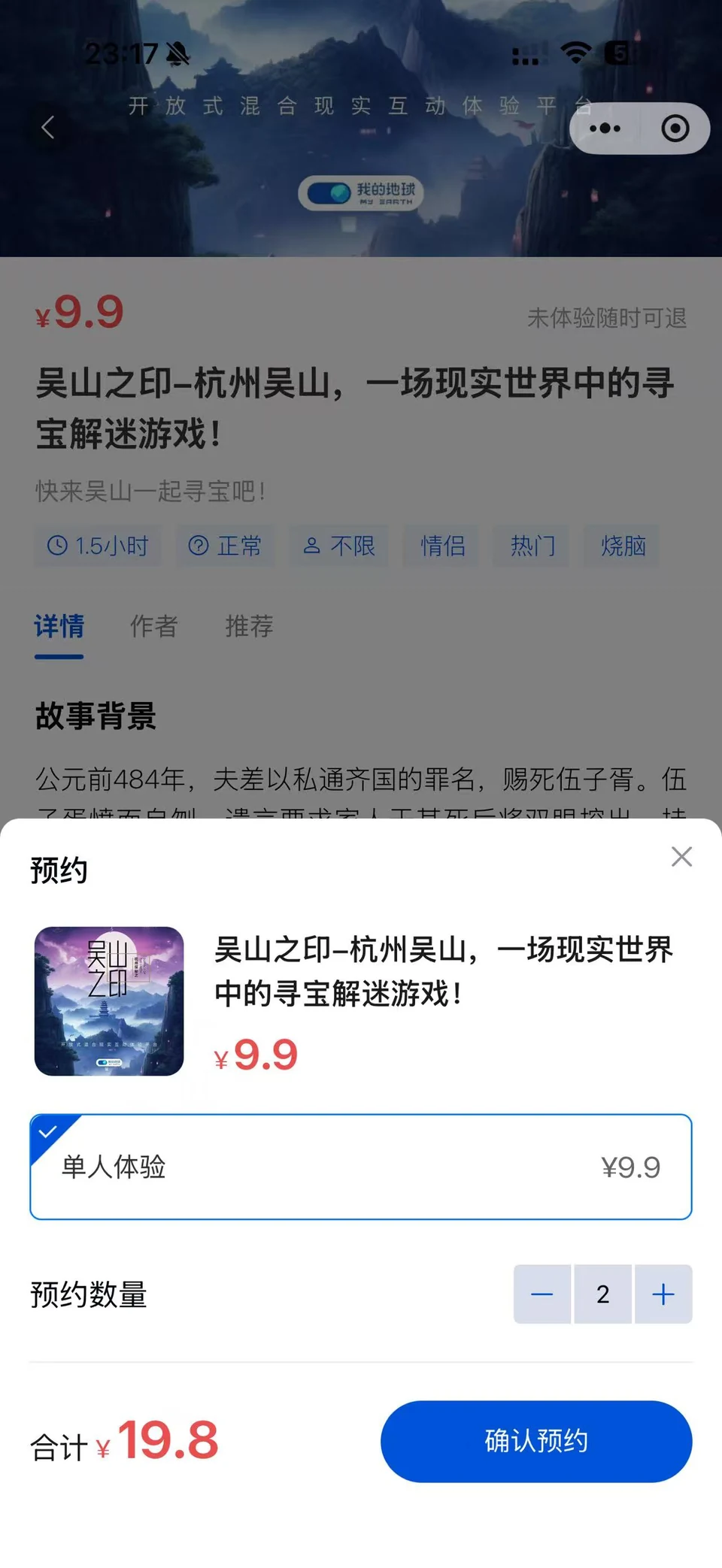
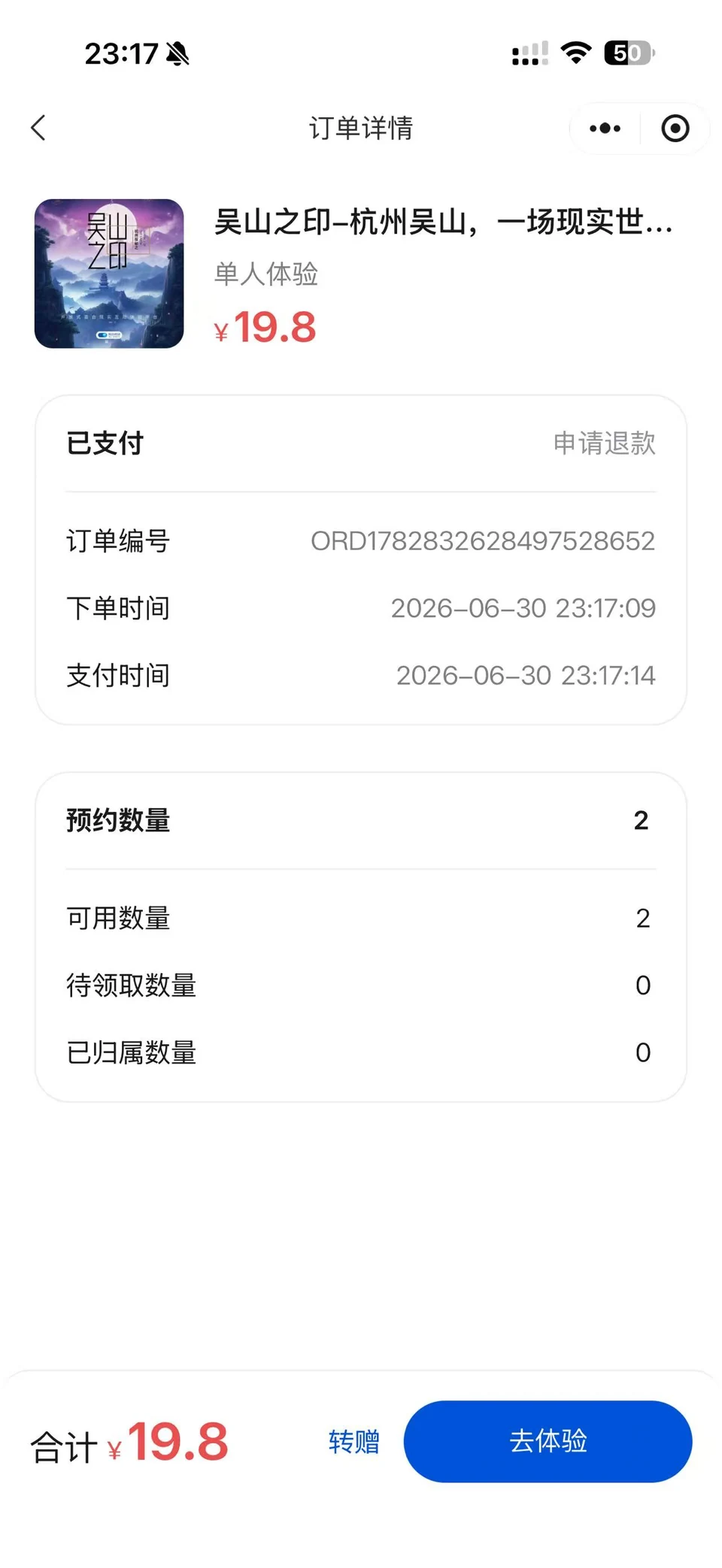
Can I buy multiple places with one account? How do I gift a place?
Yes. Select multiple places when placing your order, then use the gifting feature to send places to your WeChat friends. Non-paid orders, including limited-time free offers and redemptions, do not support multiple places.
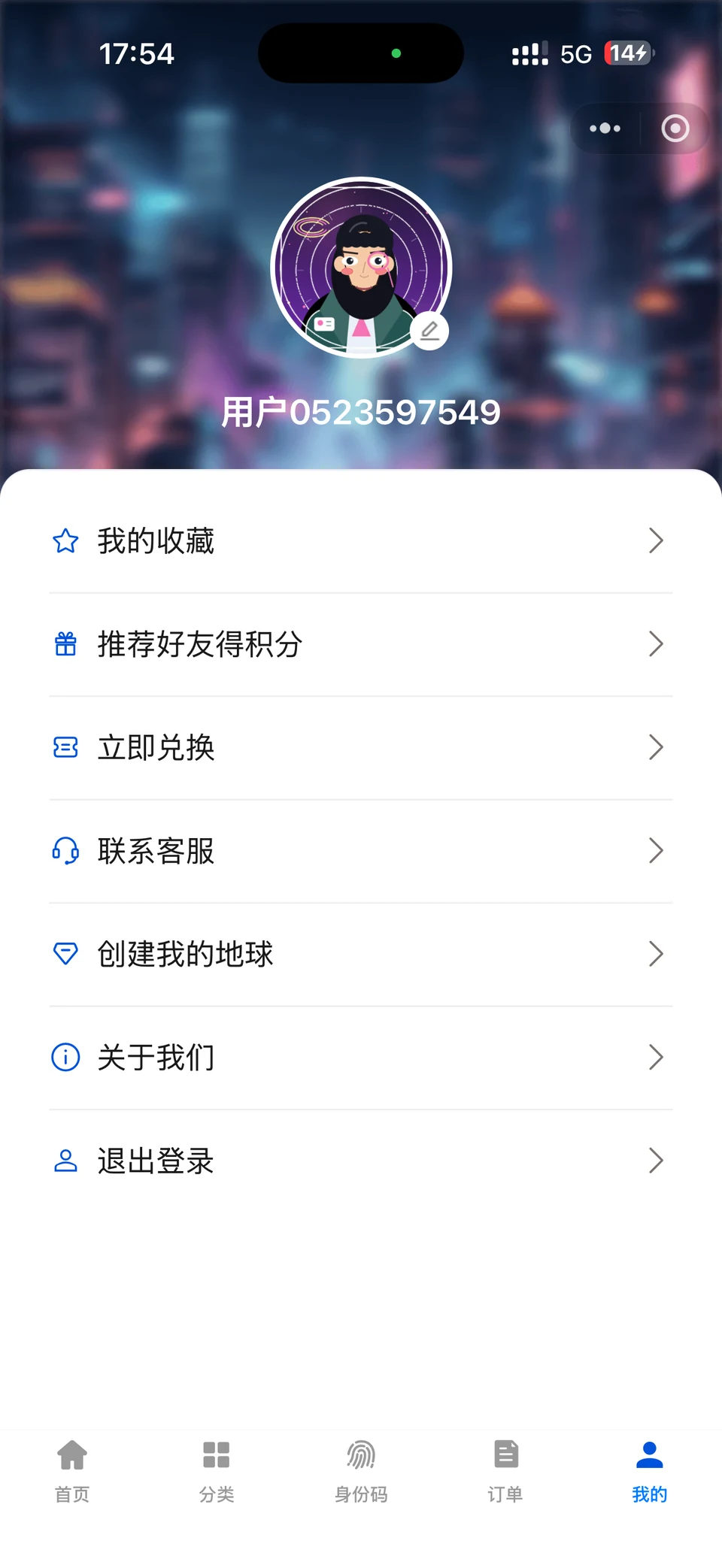
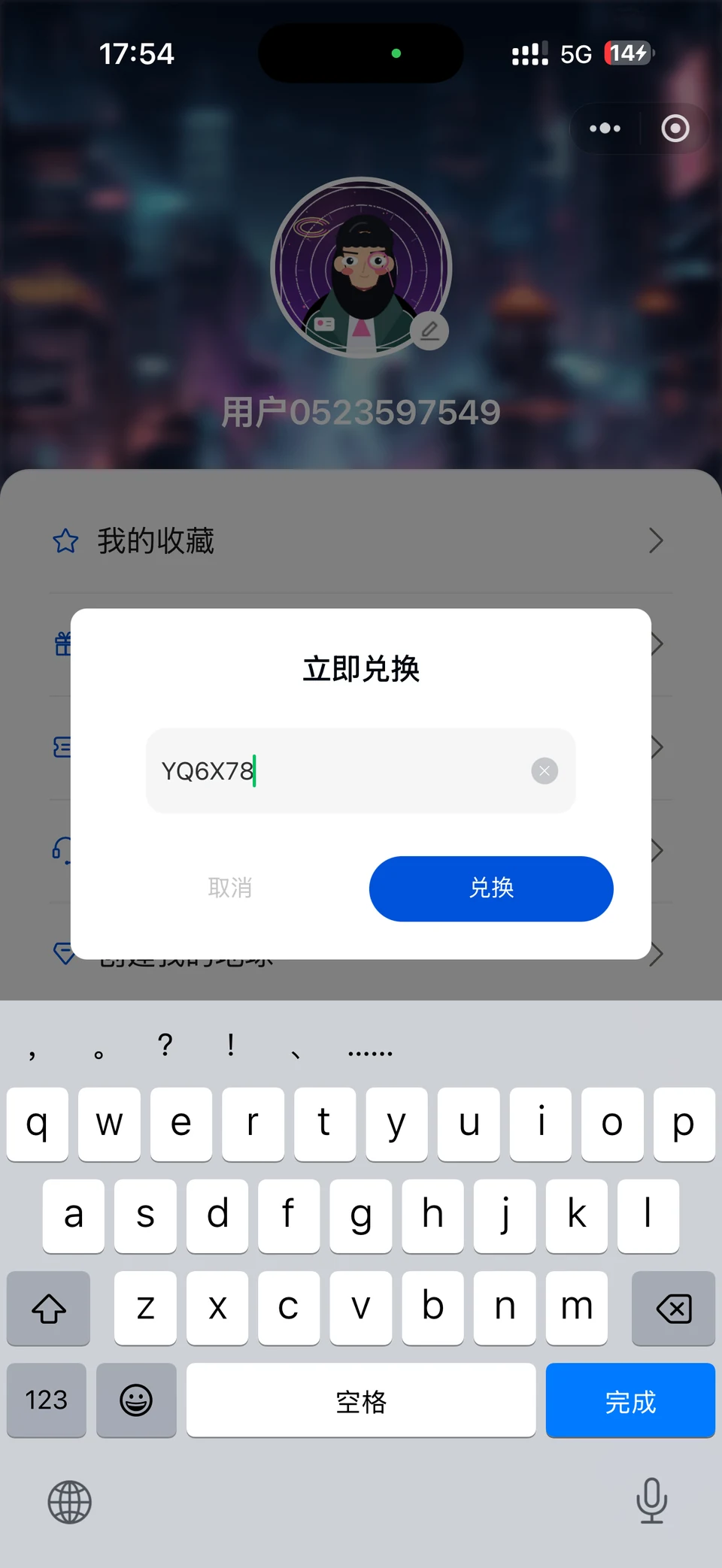
How do I use a redemption code?
Go to Me → Redeem now (「我的 → 立即兑换」) and enter your redemption code.
How do I start a game?
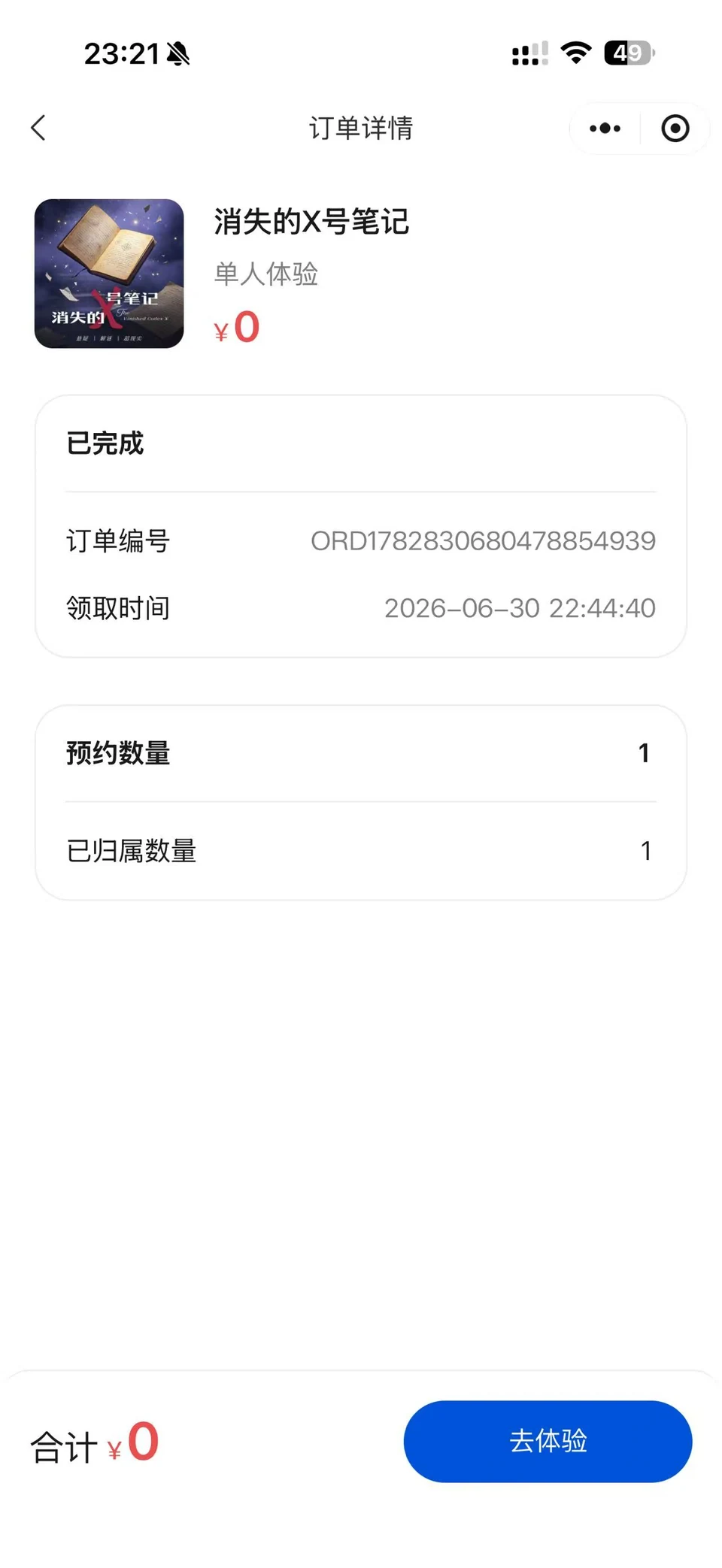
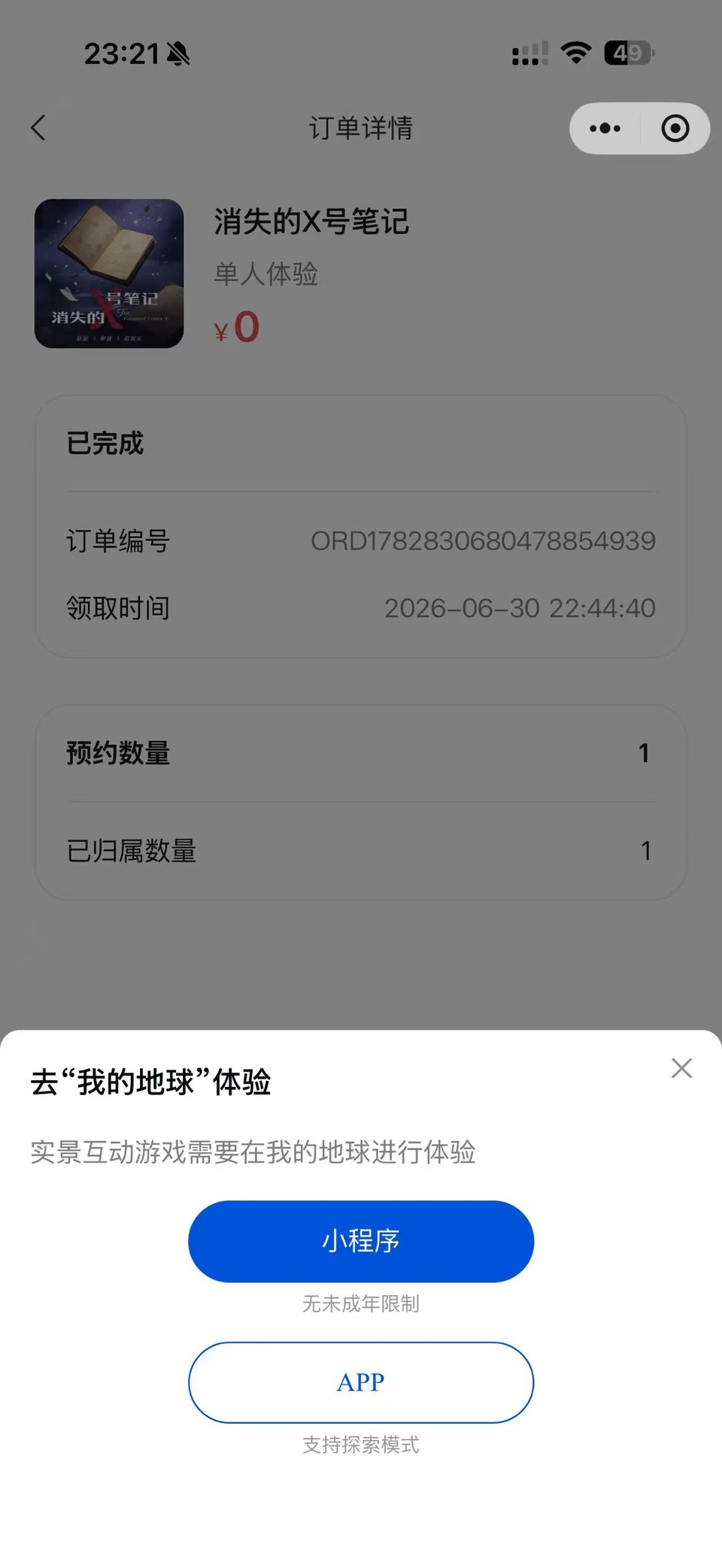
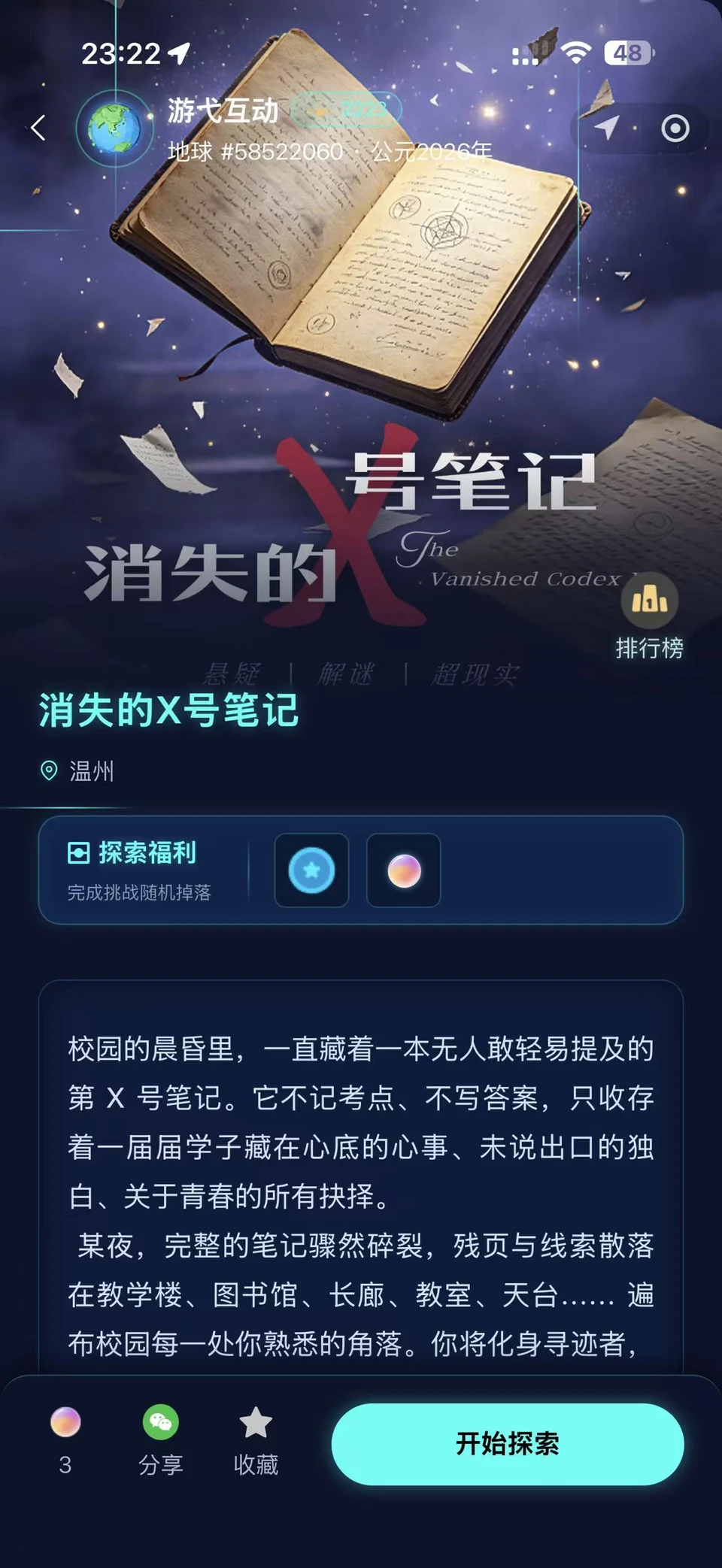
Make your way to the game’s starting point. Open Orders (「订单」), tap Go play (「去体验」), choose the version you want to use, and then tap Start exploring (「开始探索」) on the game page.
Games & gameplay
How do I play?
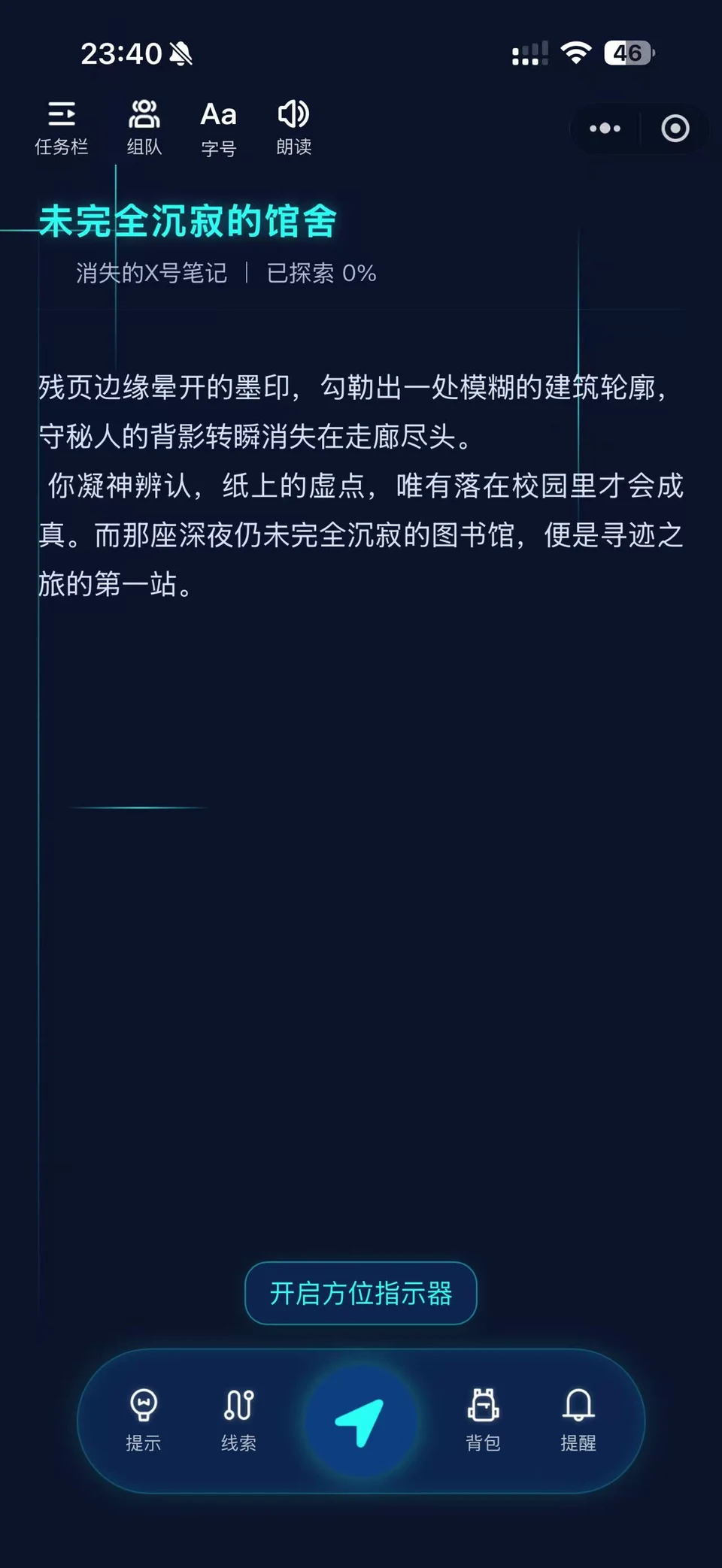
Choose a game that interests you, then follow its tasks and clues to the designated places. Use the mobile app or mini program for location check-ins, questions, photos, QR-code scans, step counting, collecting clues, and solving puzzles.
Do I need to visit the real-world location to play?
Yes. Most games are designed around real places, and you need to reach the relevant location to complete tasks. Streets, buildings, shopping centres, parks, and tucked-away city spots can all be part of the game.
Are there time limits?
Rules vary by game. Most games let you stop and resume at your own pace, while some event games have opening hours, event dates, or task deadlines. Check the specific game details or event information for the applicable schedule.
How difficult are the games?
Difficulty depends on the game. Lighter games focus on check-ins, observation, and simple interactions. Story-driven puzzle games may require more reasoning and teamwork. Check the game details or promotional information for the intended audience, estimated duration, and difficulty.
Are the games suitable for children?
Yes. Real-world exploration lets children observe the city, complete tasks, follow stories, and learn, while giving parents and children a chance to play together. Parents should choose a game based on its content, route distance, and their child’s age.
Will my progress be saved if I exit?
Exiting the mini program or app during a game does not affect your progress. The platform saves your task progress, achievements, and rewards for each game to your account, so you can continue playing, review your results, or redeem prizes. Some event games have opening hours, event dates, or task deadlines; you may not be able to continue outside those times or after a deadline.
What should I do if I cannot complete a task?
Step 1:
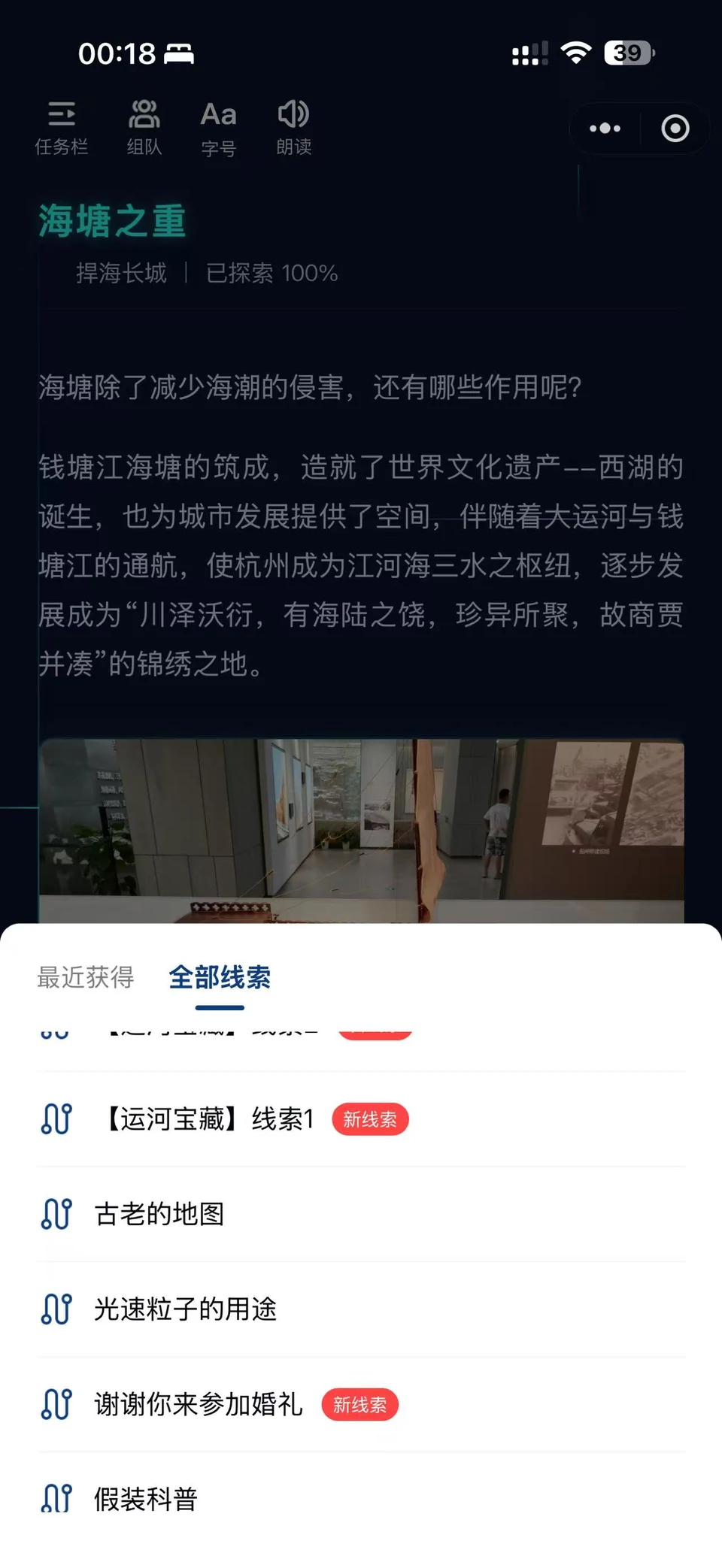
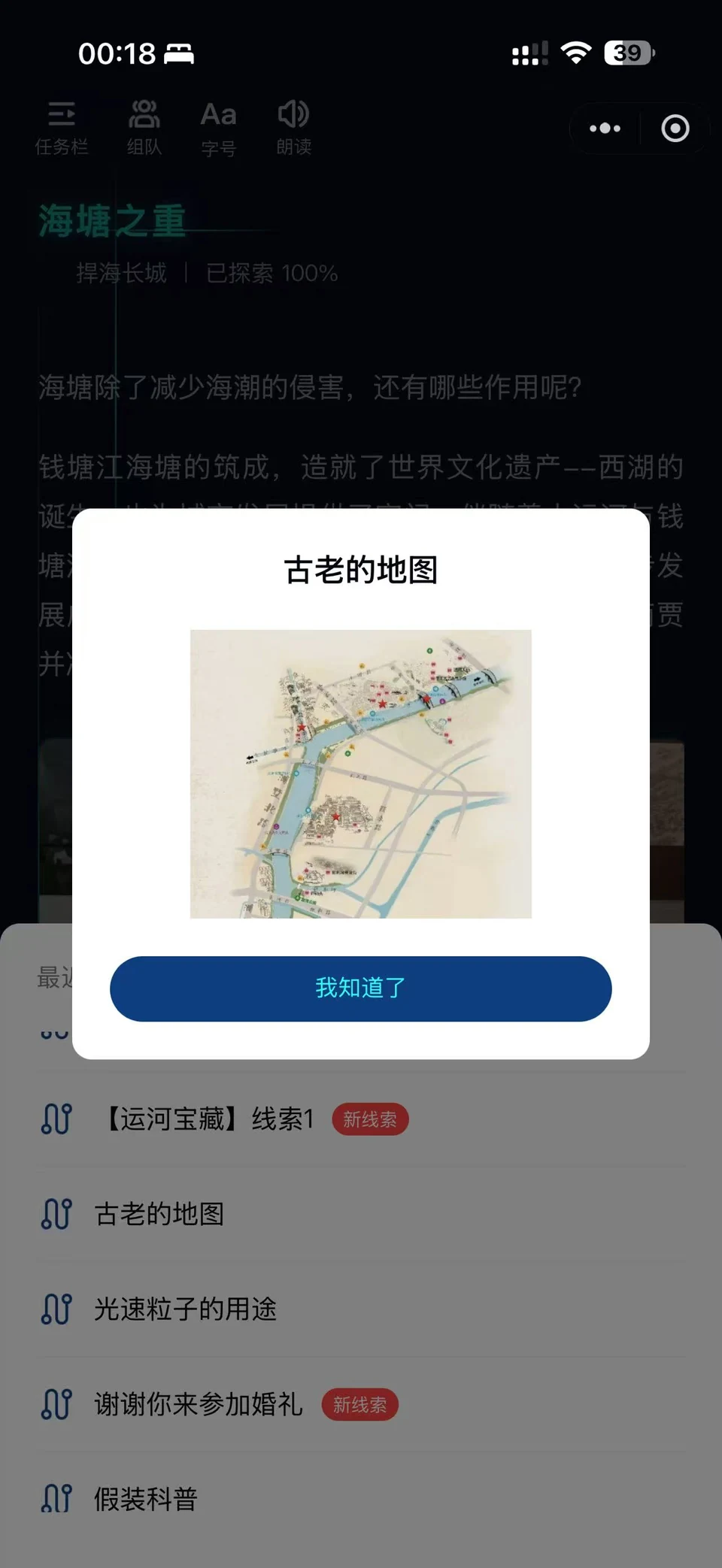
Read the task carefully and make sure you understand it. Some tasks depend on clues from earlier completed tasks. Open Clues (「线索」) to check for anything you may have missed.
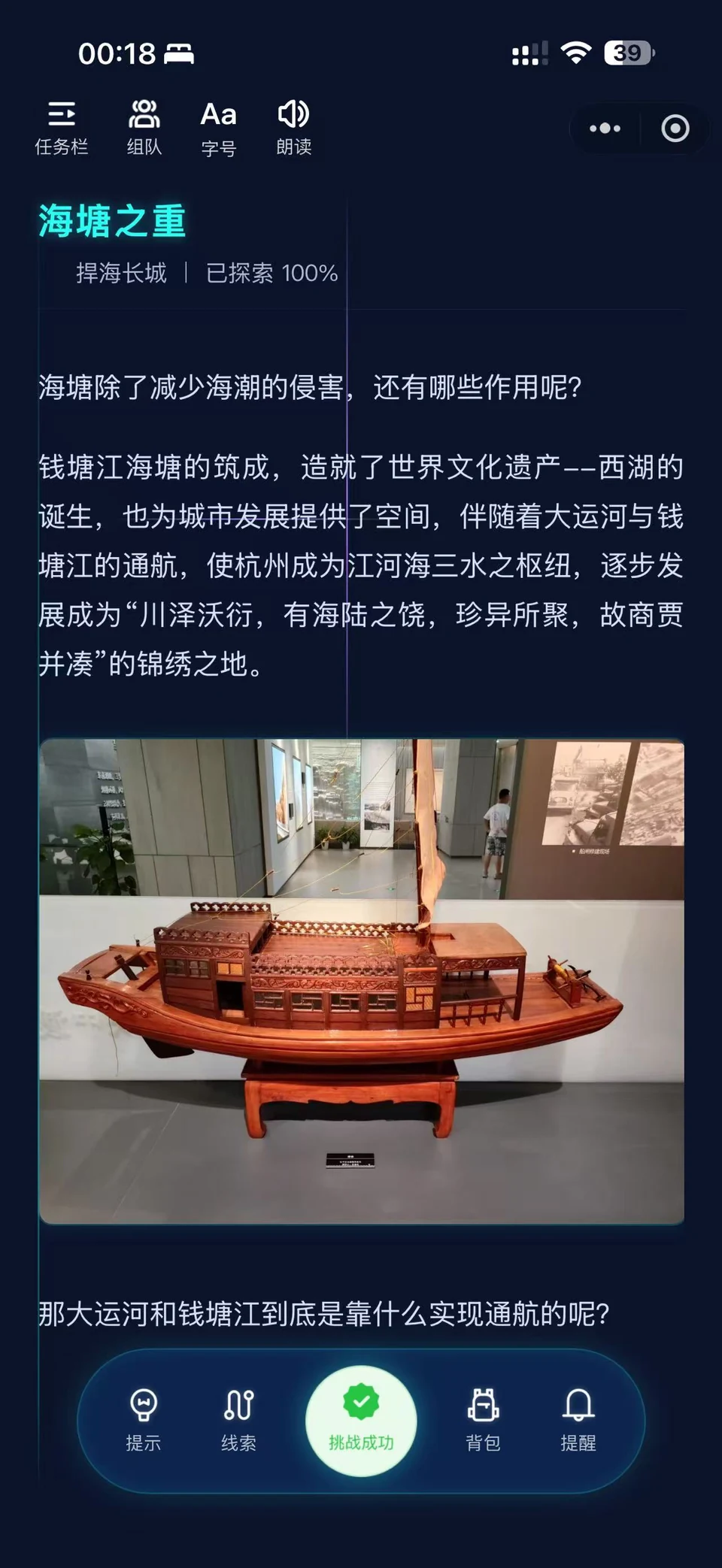
Step 2:
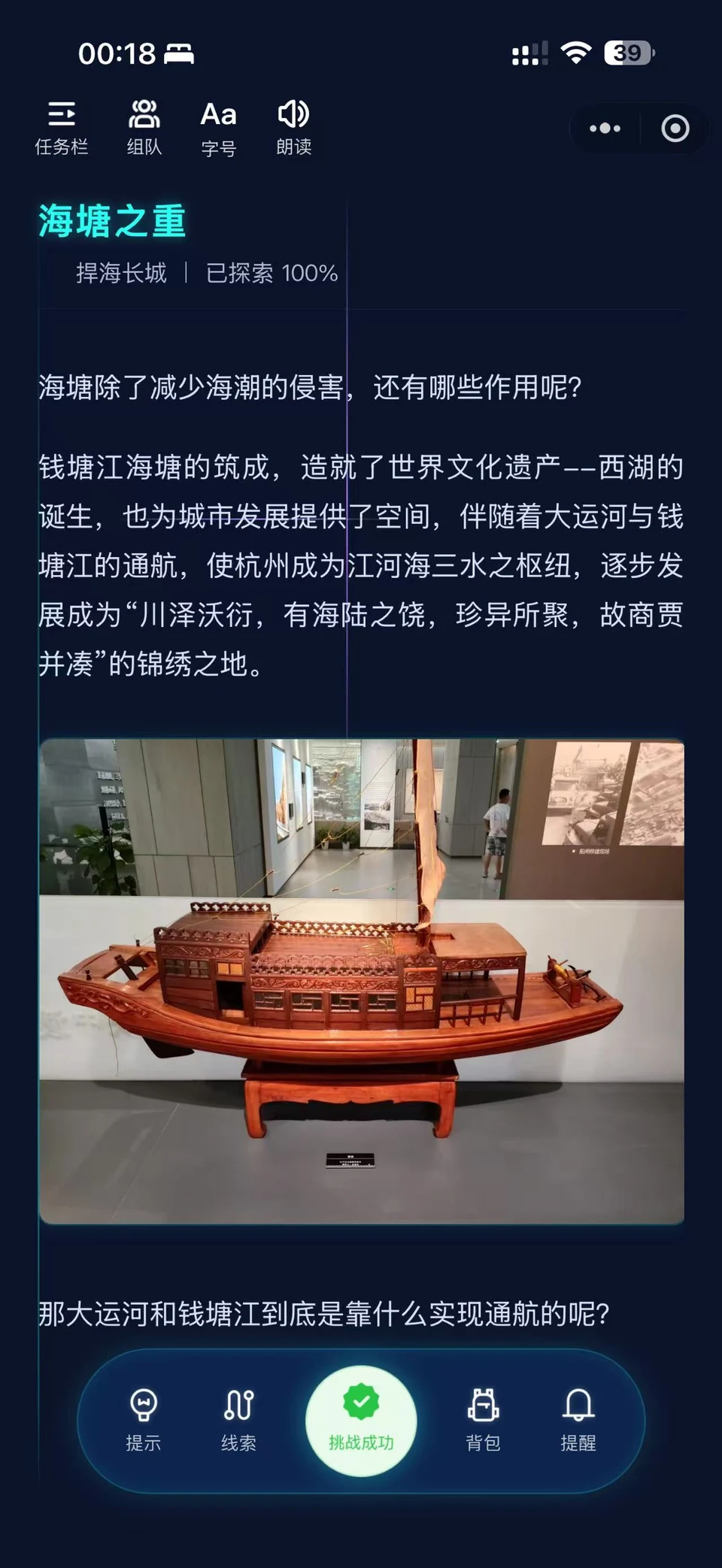
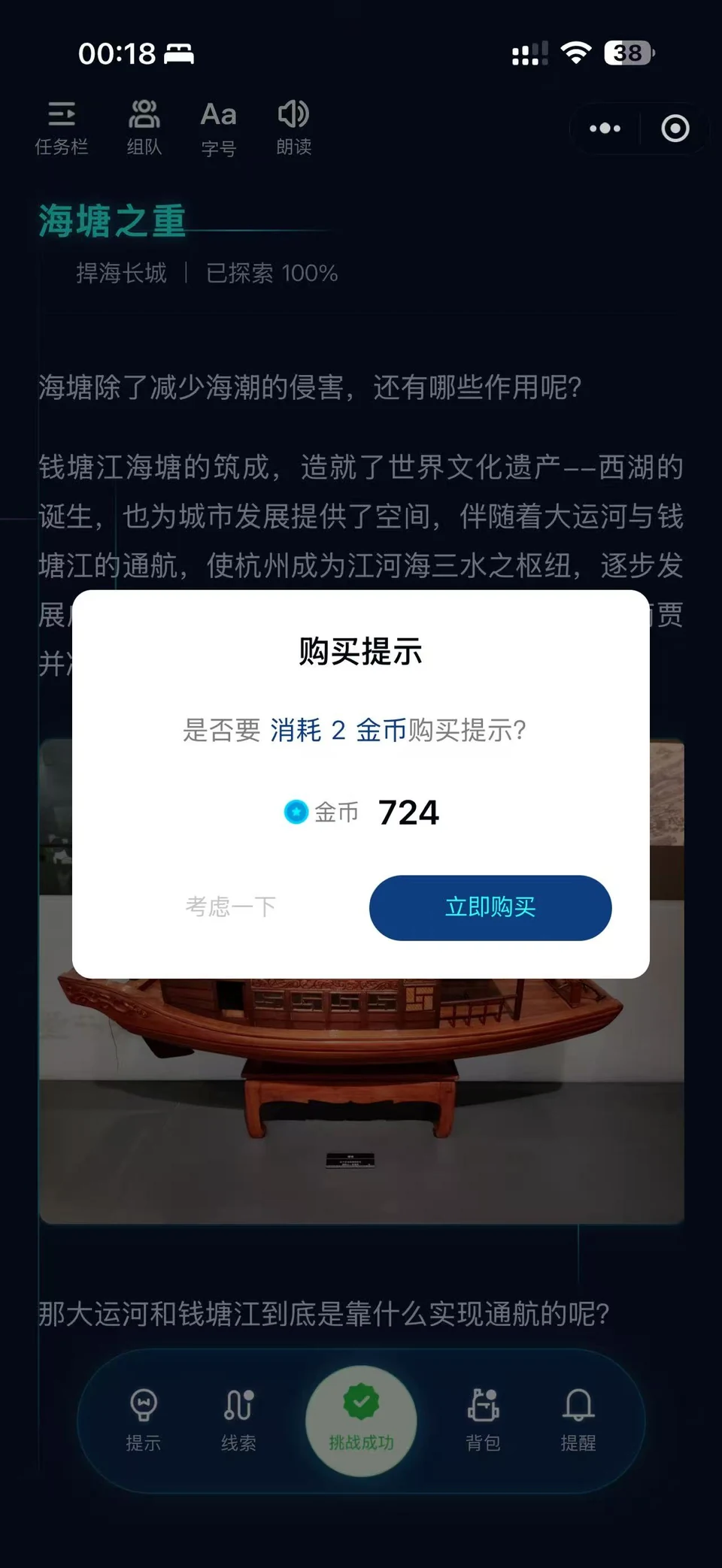
Some harder tasks offer help under Hints (「提示」). Viewing a hint costs a small number of coins. Most tasks or games drop coins.
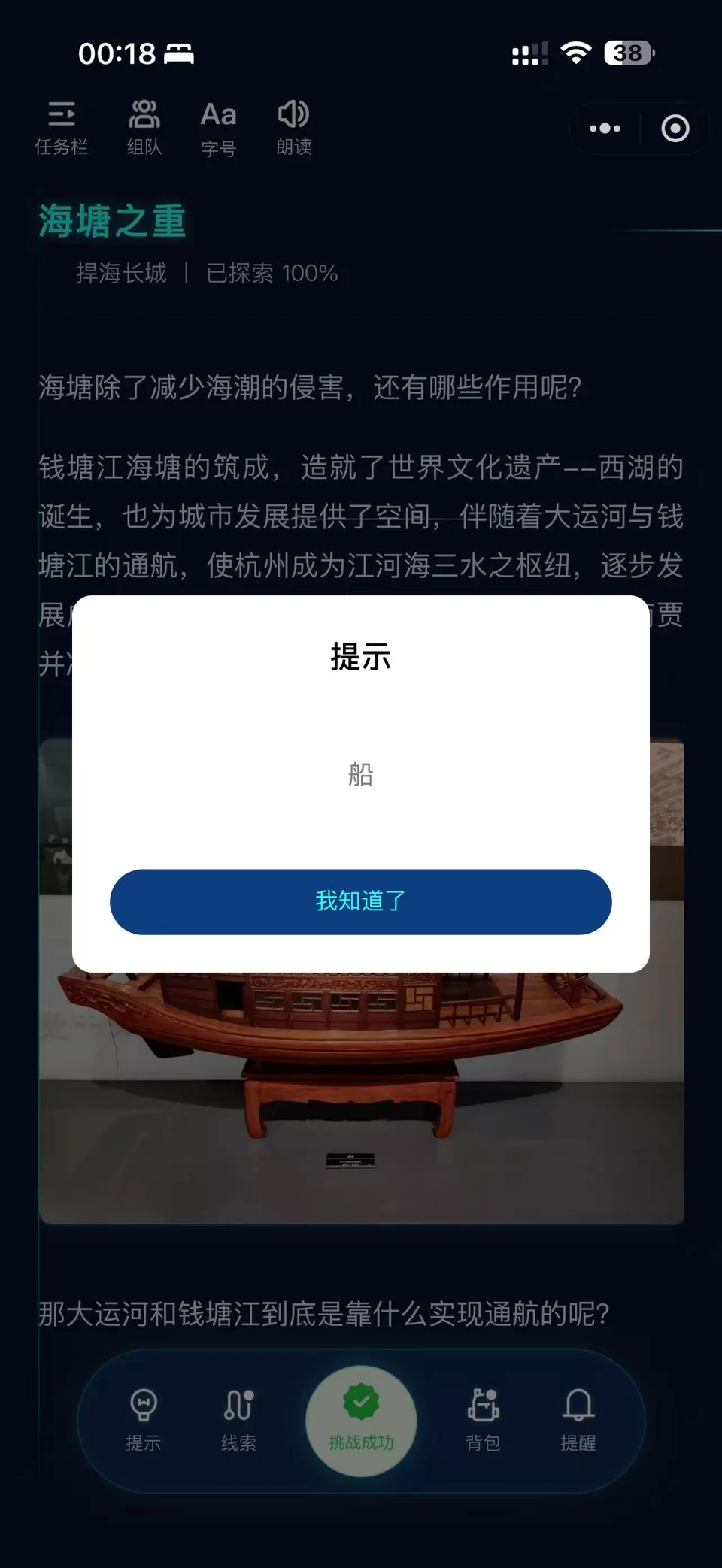
Step 3:
Check your network connection and make sure location, camera, and fitness/health permissions are enabled. Confirm that you are within the required task area or have submitted the correct answer. If you still cannot complete the task, try restarting the app or mini program, or contact platform support.

Which devices are supported?
MyEarth supports most Android, HarmonyOS, and iOS smartphones currently on sale. For the full experience, use a device with location services, Bluetooth, a camera, and a stable internet connection.
How do I return to a game I played recently?
Option 1:
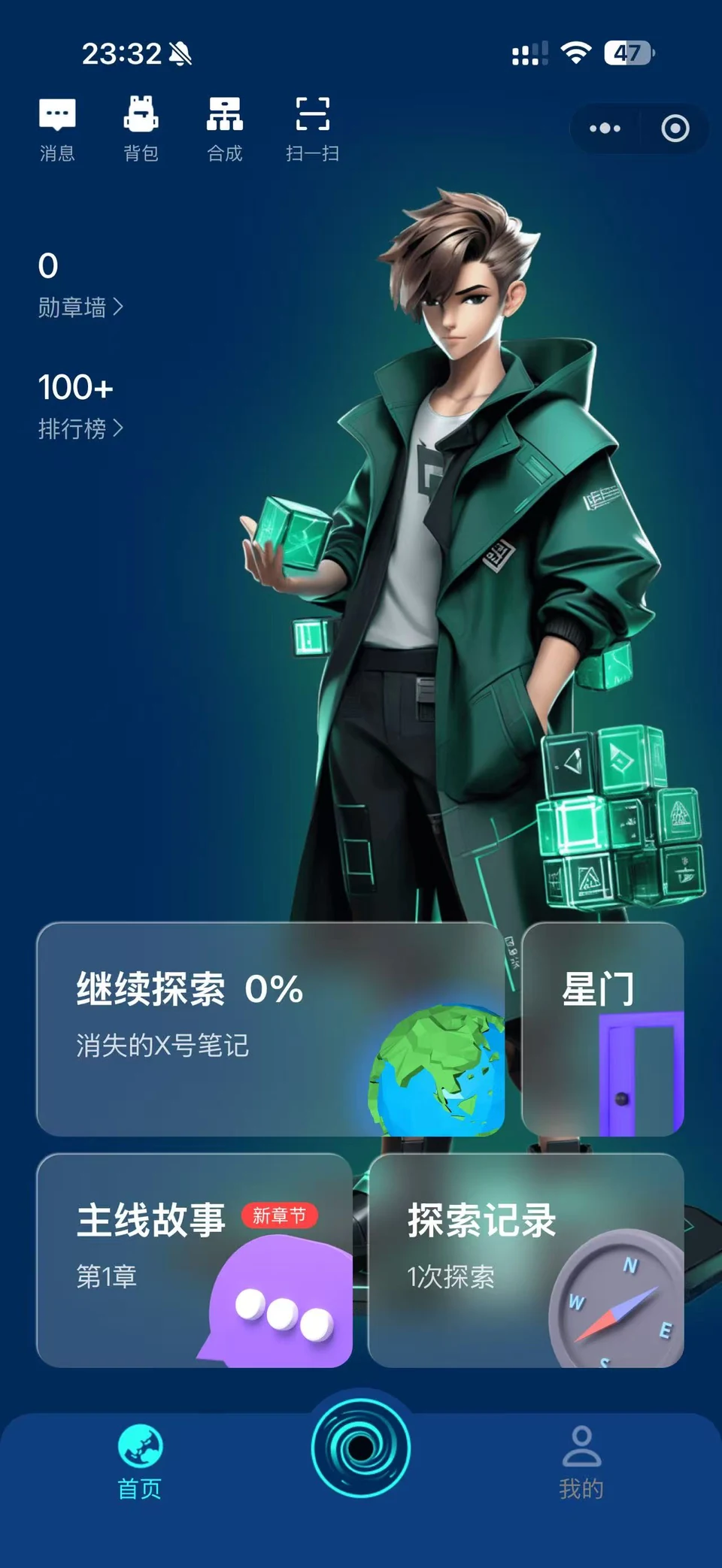
In MyEarth, go to Home → Recent exploration (「首页 → 最近探索」) to quickly return to your last game. Home → Exploration history (「首页 → 探索记录」) shows all your play records, with sorting and filtering. Select a record to continue playing.
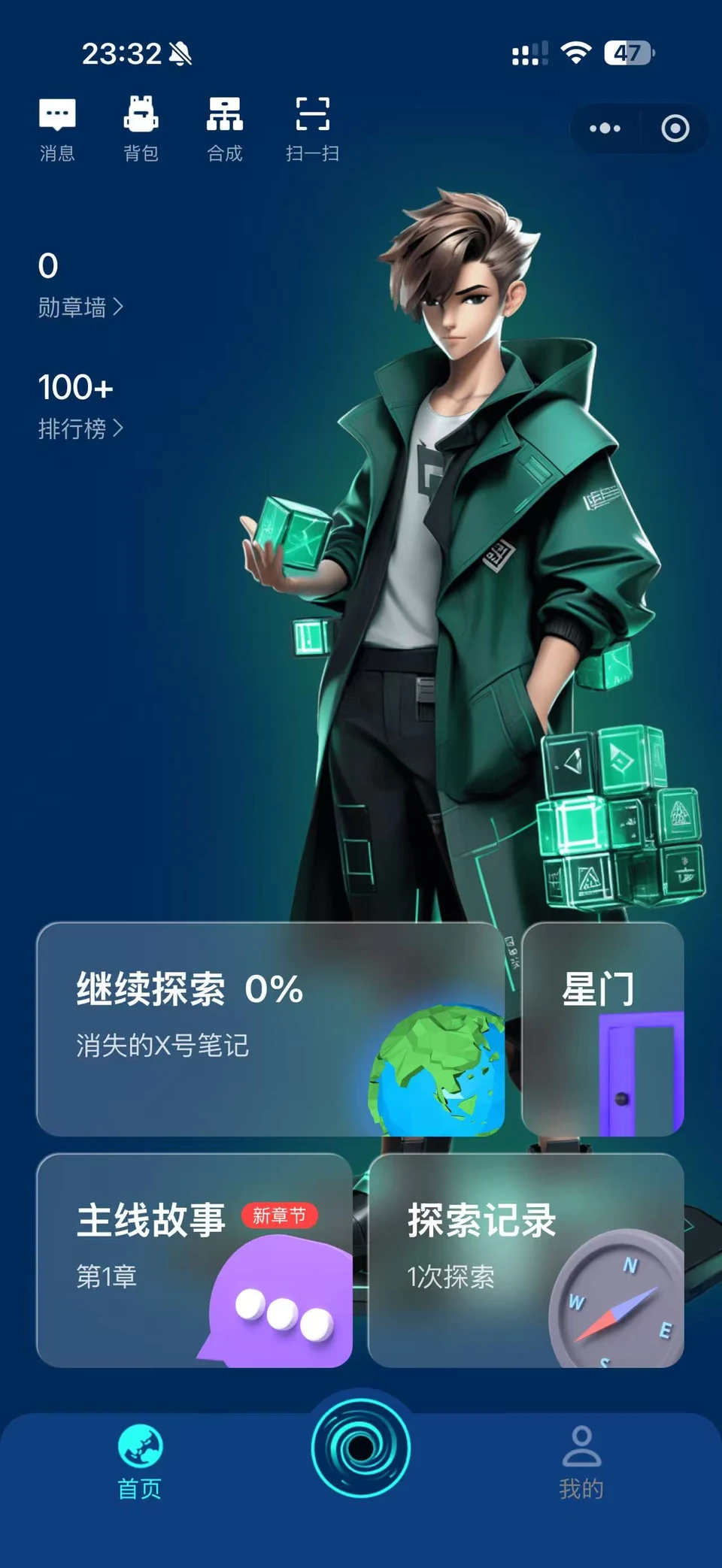

Option 2:
For paid games, including those obtained through a limited-time free offer or redemption, find the relevant order under Earth Store → Orders (「地球商店 → 订单」), then choose Go play (「去体验」) to return to the game.
Prizes & redemption
How do I get prizes?
Some events or games offer prize drops. Check the details page or event information for the available prizes. Prizes usually drop at random when you complete a task or finish a game.
Where can I see my prizes?
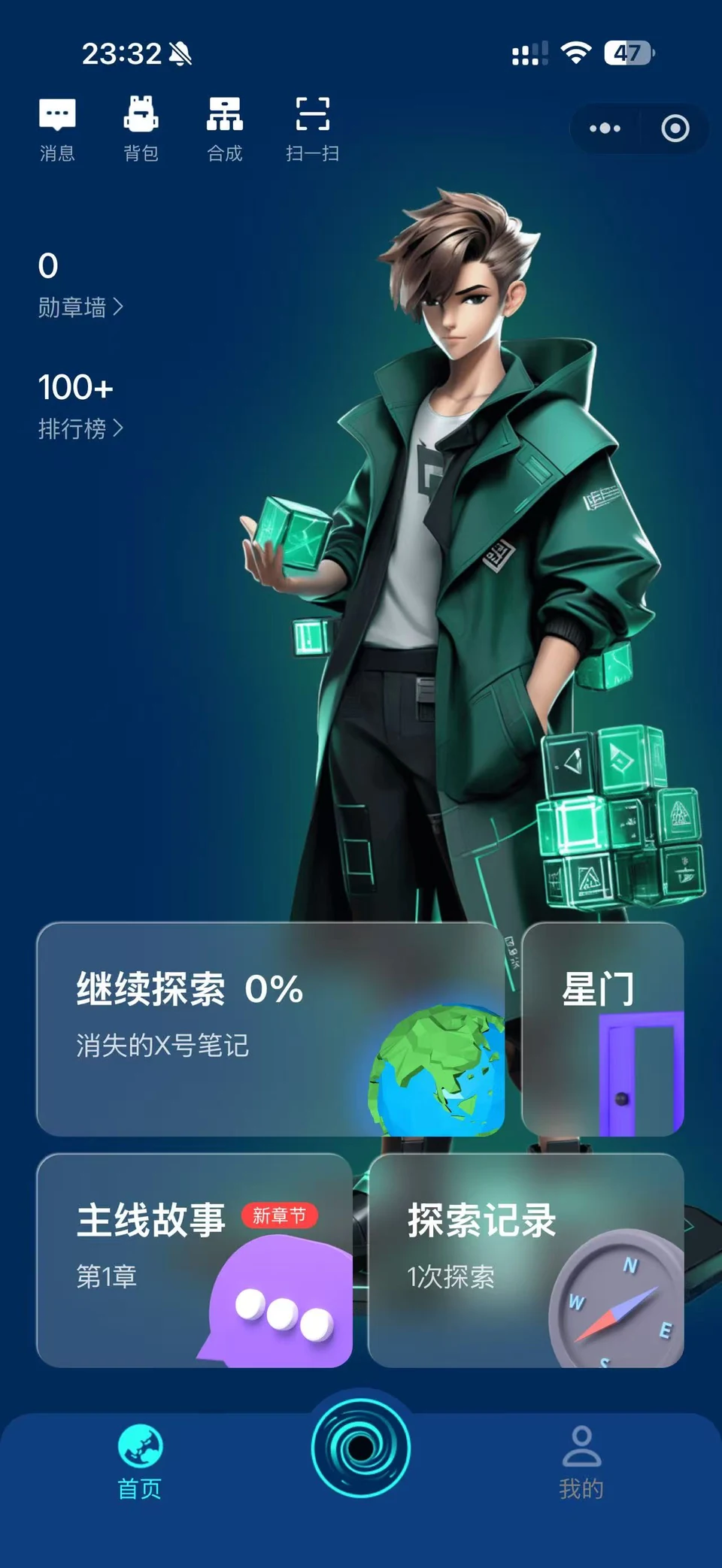
In MyEarth, go to Home → Backpack (「首页 → 背包」), or open Backpack (「背包」) within any game, to see the items you have collected.
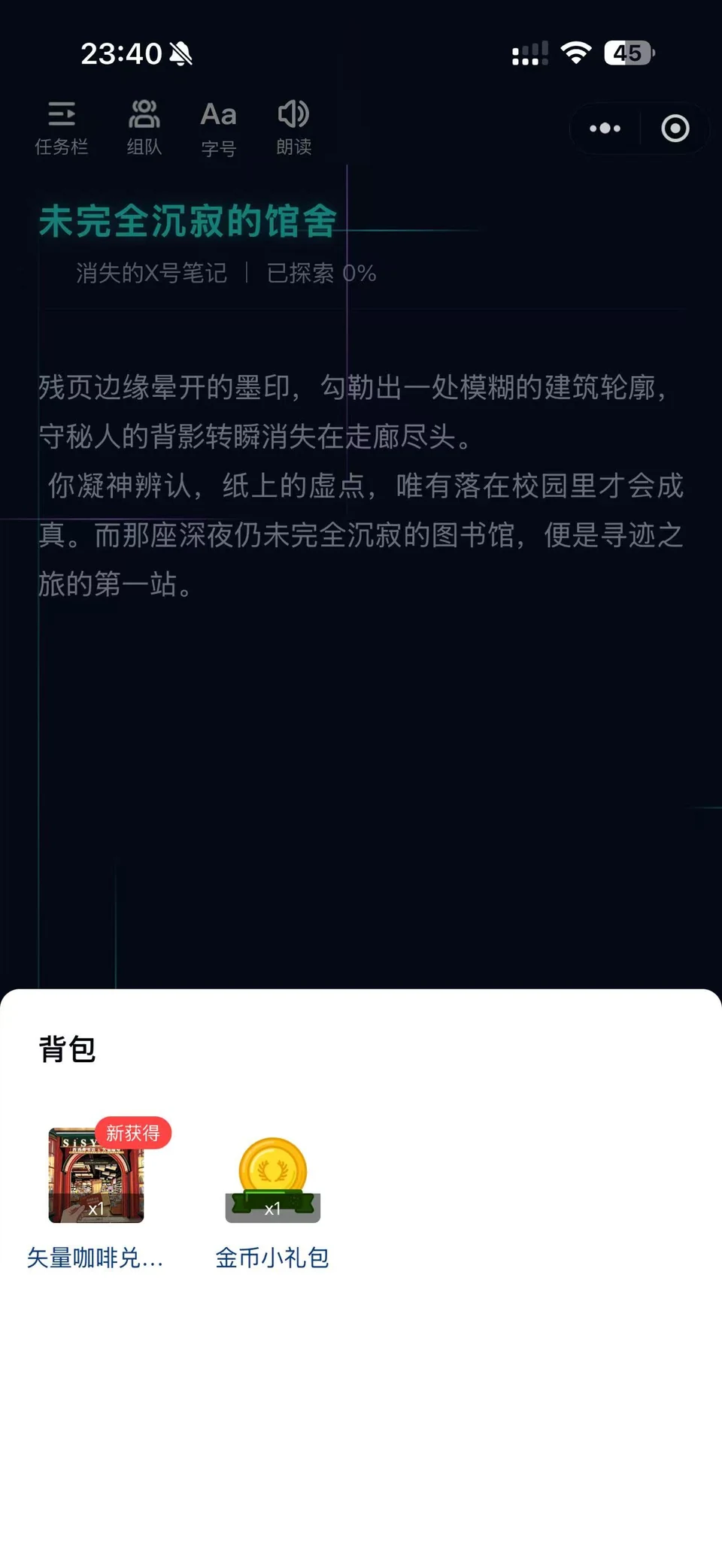
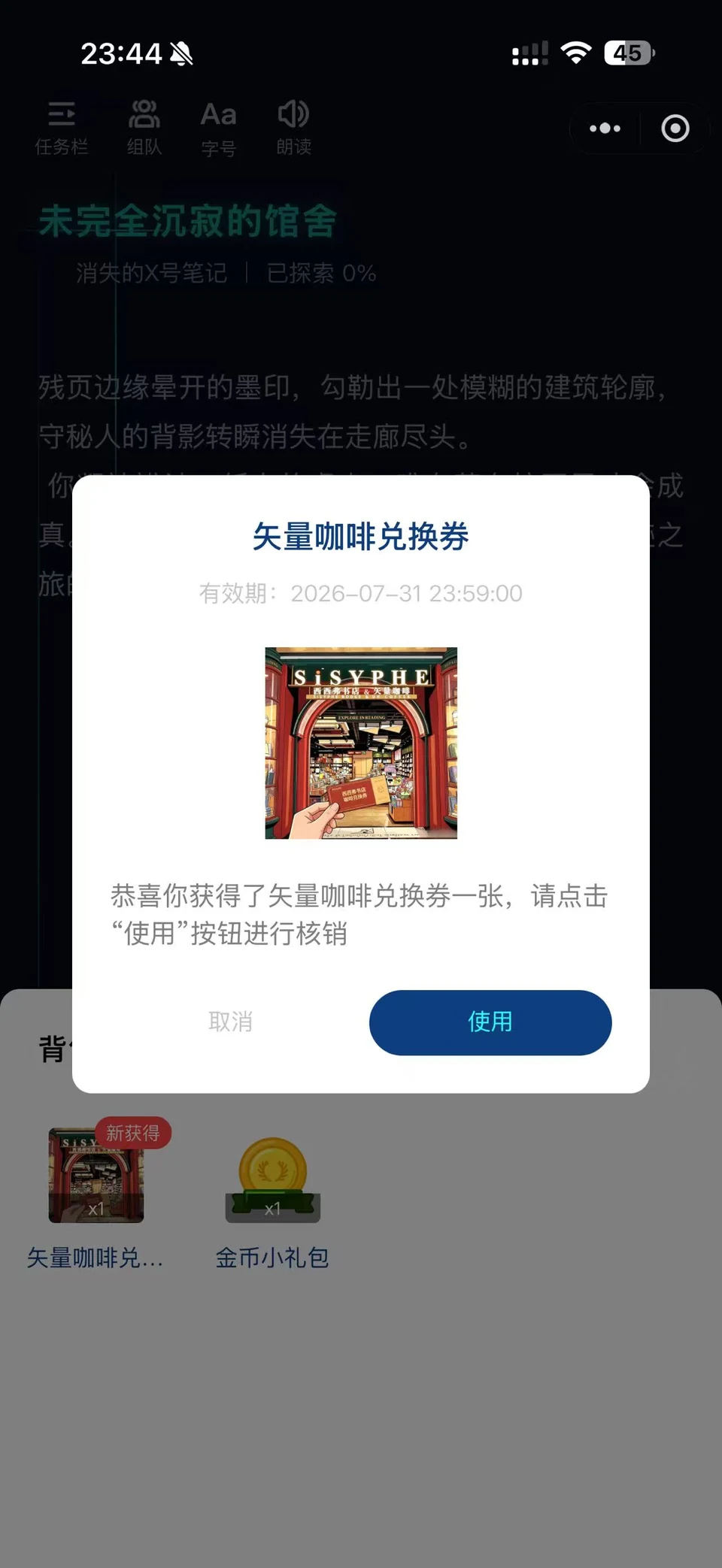
How do I redeem a prize?
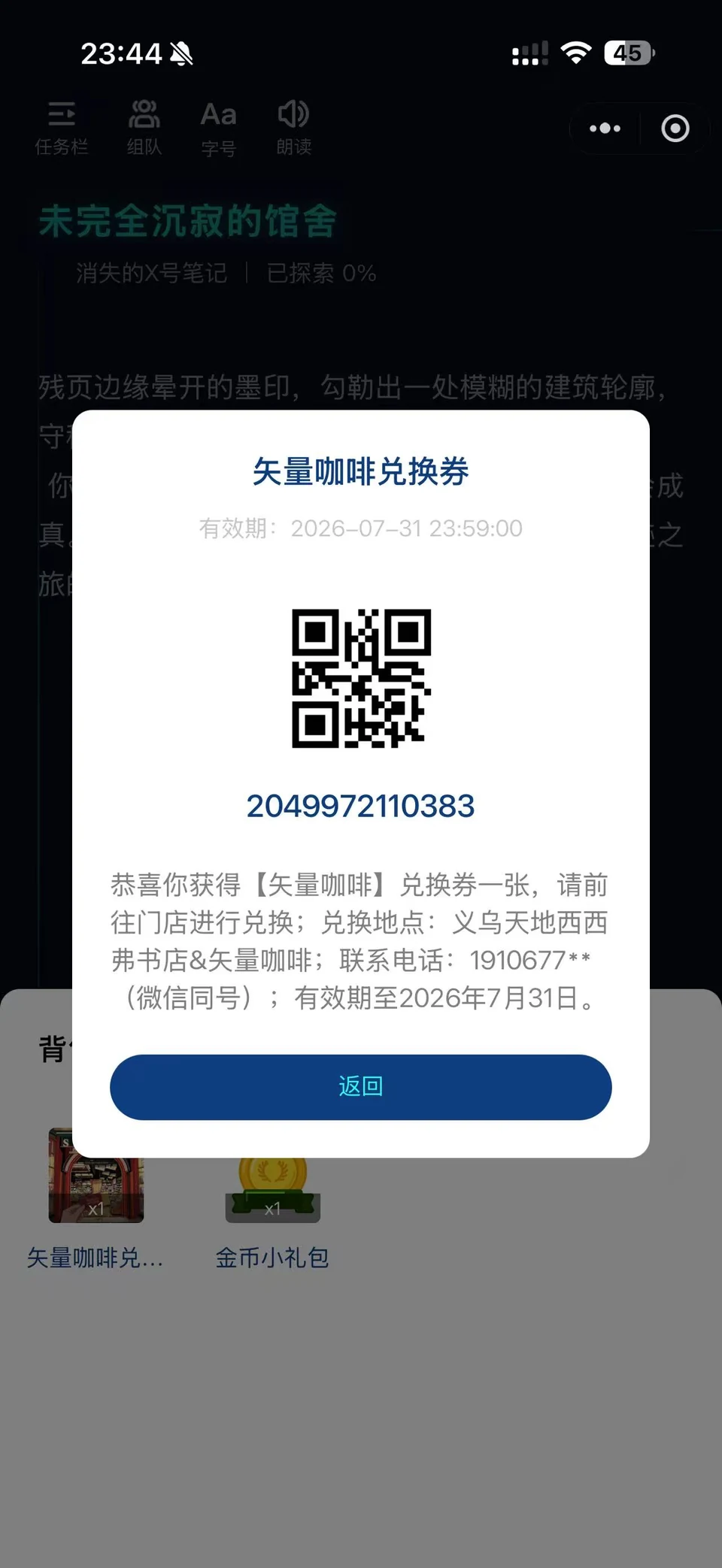
Select a prize in your Backpack to view its details, then tap Use (「使用」) to see the redemption instructions. Some physical prizes must be redeemed in person at a participating store.
How do I combine fragments into a prize?
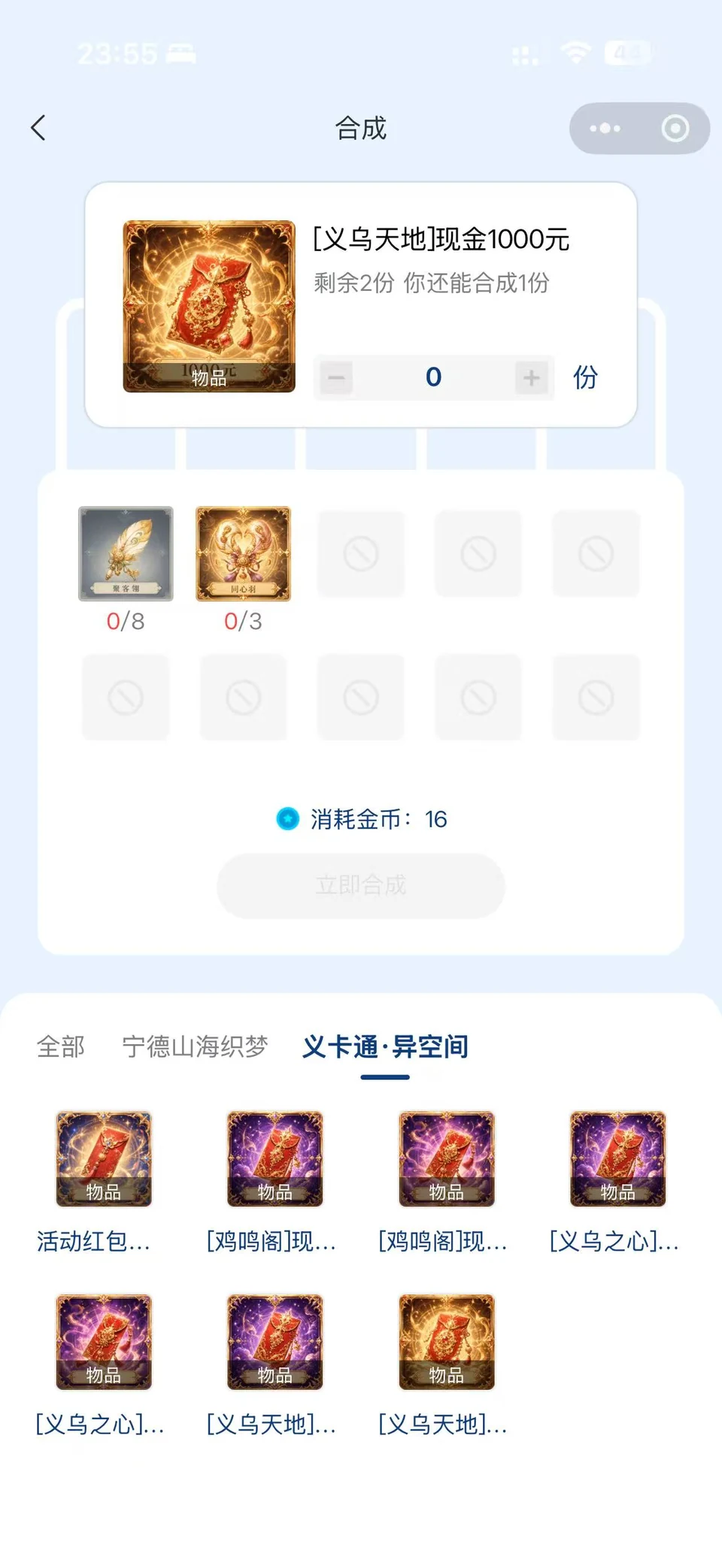
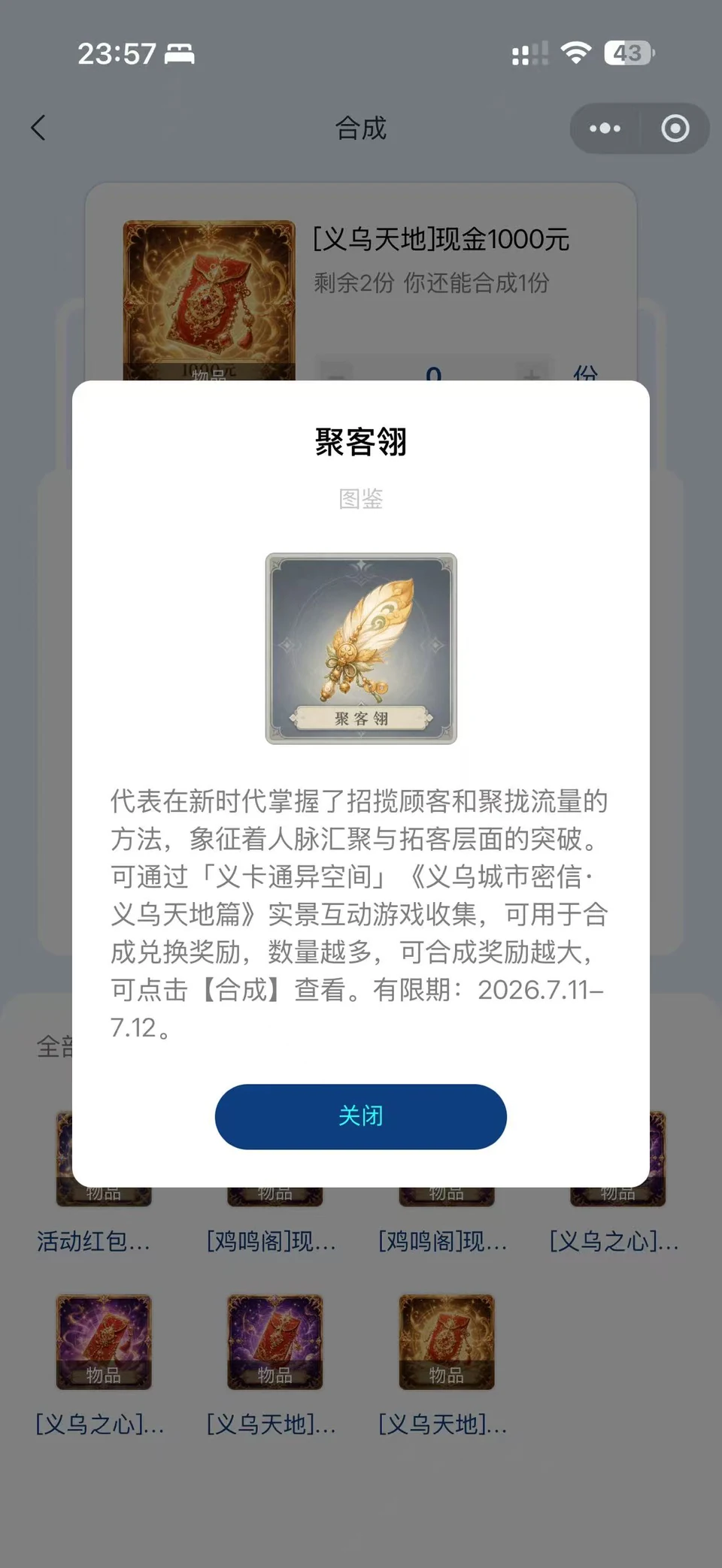
Some games randomly drop fragments (virtual items). Go to Home → Combine (「首页 → 合成」) to see the prizes currently available. Collect enough fragments from the specified games to combine them into the corresponding reward. Tap an item’s image to view its description.
These prizes usually have limited quantities and are available on a first-come, first-served basis.
没有找到相关问题,试试其他关键词,或联系我们。
NEED A HAND?
Still need a hand?
Tell us what you need help with.